hillshade
hillshade (or hs) subcommand computes the hillshades of a Digital Elevation Model.
The tool takes the sun position (elevation and azimuth) as input and
computes the shadows of the ground surface (buildings, trees, etc.).
$ georastertools hillshade --help
usage: georastertools hillshade [-h] --elevation ELEVATION --azimuth AZIMUTH
                             [--radius RADIUS] --resolution RESOLUTION
                             [-o OUTPUT] [-ws WINDOW_SIZE]
                             [-p {none,edge,maximum,mean,median,minimum,reflect,symmetric,wrap}]
                             inputs [inputs ...]

Execute the hillshade subcommand on a Digital Elevation Model (DEM) using the
given solar parameters (elevation, azimuth), resolution, and optional
parameters for processing the raster.

Arguments:

    inputs TEXT

    Input file to process (i.e. geotiff corresponding to a Digital Elevation
    Model). You can provide a single file with extension ".lst" (e.g.
    "hillshade.lst") that lists the input files to process (one input file
    per line in .lst)

Options:
    --elevation FLOAT               Elevation of the sun in degrees, [0°, 90°]
                                    where 90°=zenith and 0°=horizon  [required]
    --azimuth FLOAT                 Azimuth of the sun in degrees, [0°, 360°]
                                    where 0°=north, 90°=east, 180°=south and
                                    270°=west  [required]
    --radius INTEGER                Maximum distance (in pixels) around a point
                                    to evaluate horizontal elevation angle. If
                                    not set, it is automatically computed from
                                    the range of altitudes in the digital model.
    --resolution FLOAT              Pixel resolution in meter  [required]
    -o, --output TEXT               Output directory to store results (by
                                    default current directory)
    -ws, --window_size INTEGER      Size of tiles to distribute processing,
                                    default: 1024
    -p, --pad [none,edge,maximum,mean,median,minimum,reflect,symmetric,wrap]
                                    Pad to use around the image, default : edge (see
                                    https://numpy.org/doc/stable/reference/generated/numpy.pad.html
                                    for more information)
    -h, --help                      Show this message and exit.
Warning
This command line does not accept all input raster products as other raster tools (radioindice, zonalstats). It is mandatory to use a raster file (typically a geotif) in a format that can be read by rasterio: rasterio.open(xxx)).
Example:
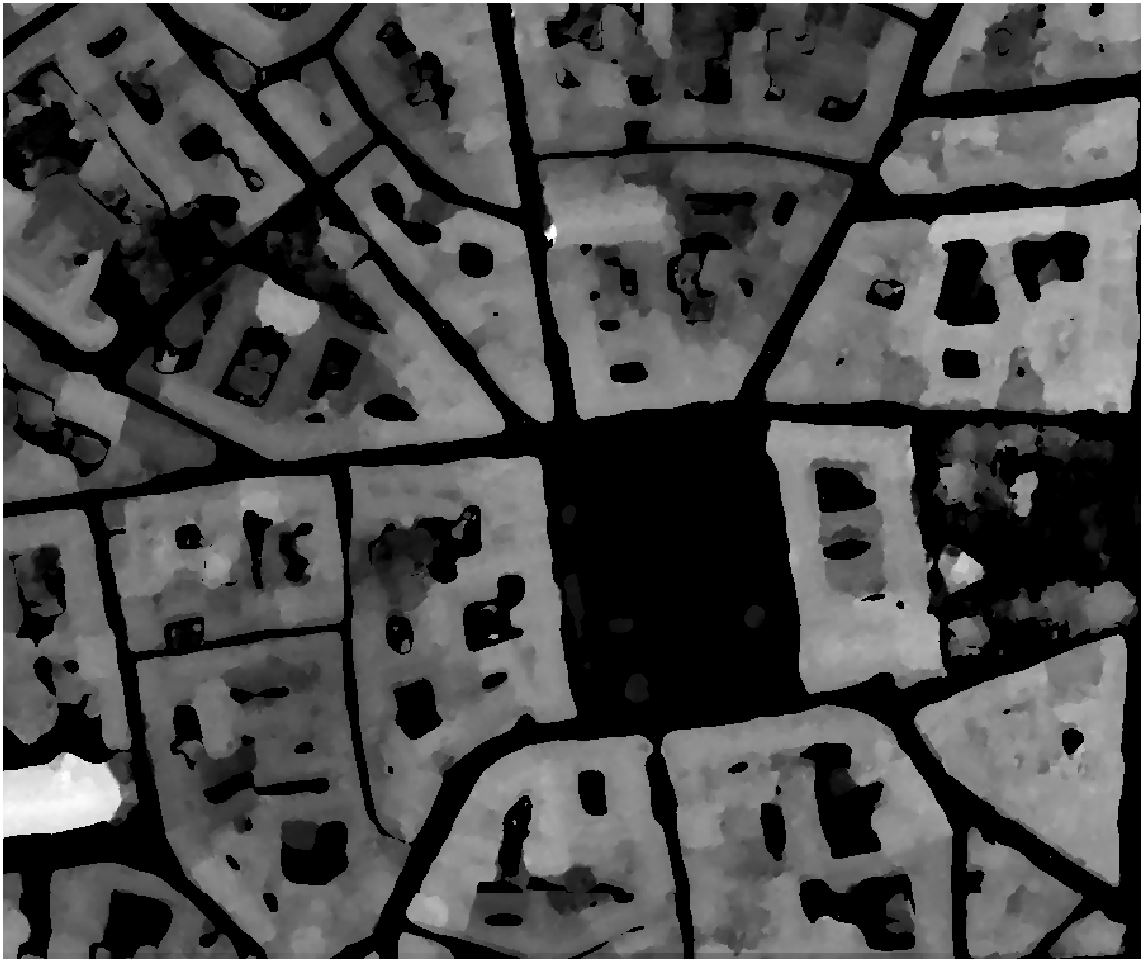
Let’s take as input a Digital Elevation Model of Toulouse generated from a PLEIADES stereo (0.5m resolution):
The following commands will compute the hillshades of this Digital Elevation Model at 3 differents solar hours (8:00AM, noon, 6:00PM) of 21st June:
$ georastertools hillshade --elevation 27.2 --azimuth 82.64 --resolution 0.5 toulouse-mnh.tif
$ georastertools hillshade --elevation 69.83 --azimuth 180 --resolution 0.5 toulouse-mnh.tif
$ georastertools hillshade --elevation 25.82 --azimuth 278.58 --resolution 0.5 toulouse-mnh.tif
The generated images are rendered with QGis: - first layer contains the hillshade (value 0 is masked) - second layer contains the Digital Elevation Model rendered in grayscale (white to black)
Here are the captures:
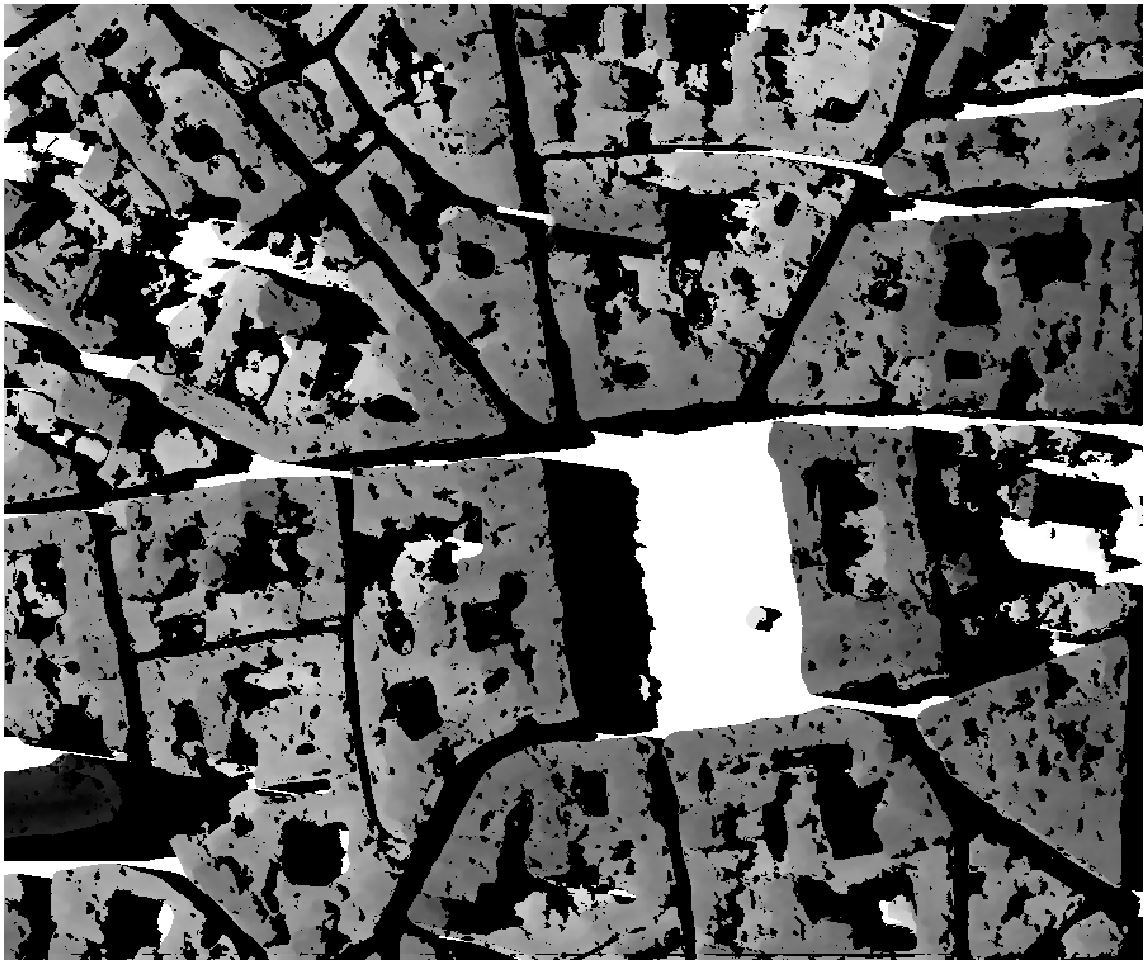
8 AM
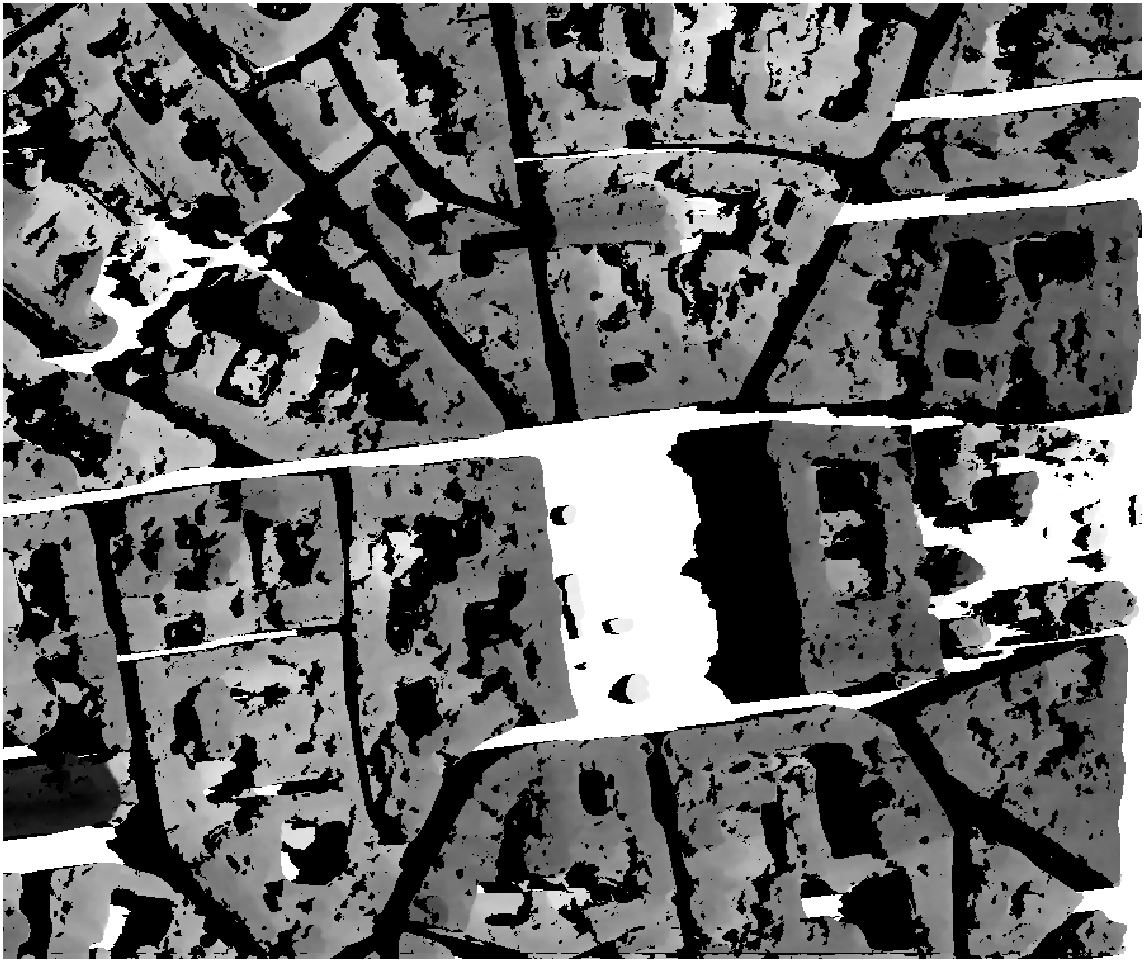
Noon
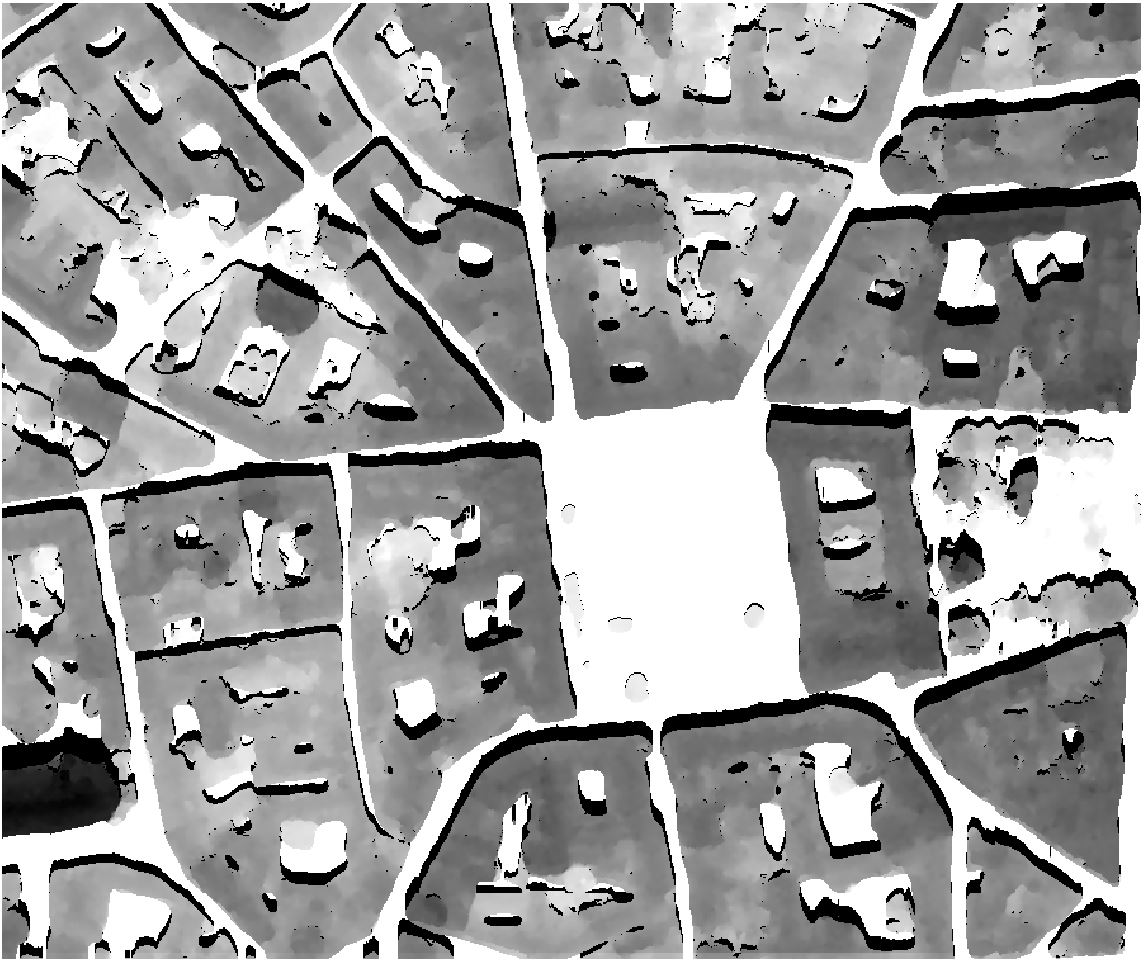
6 PM